
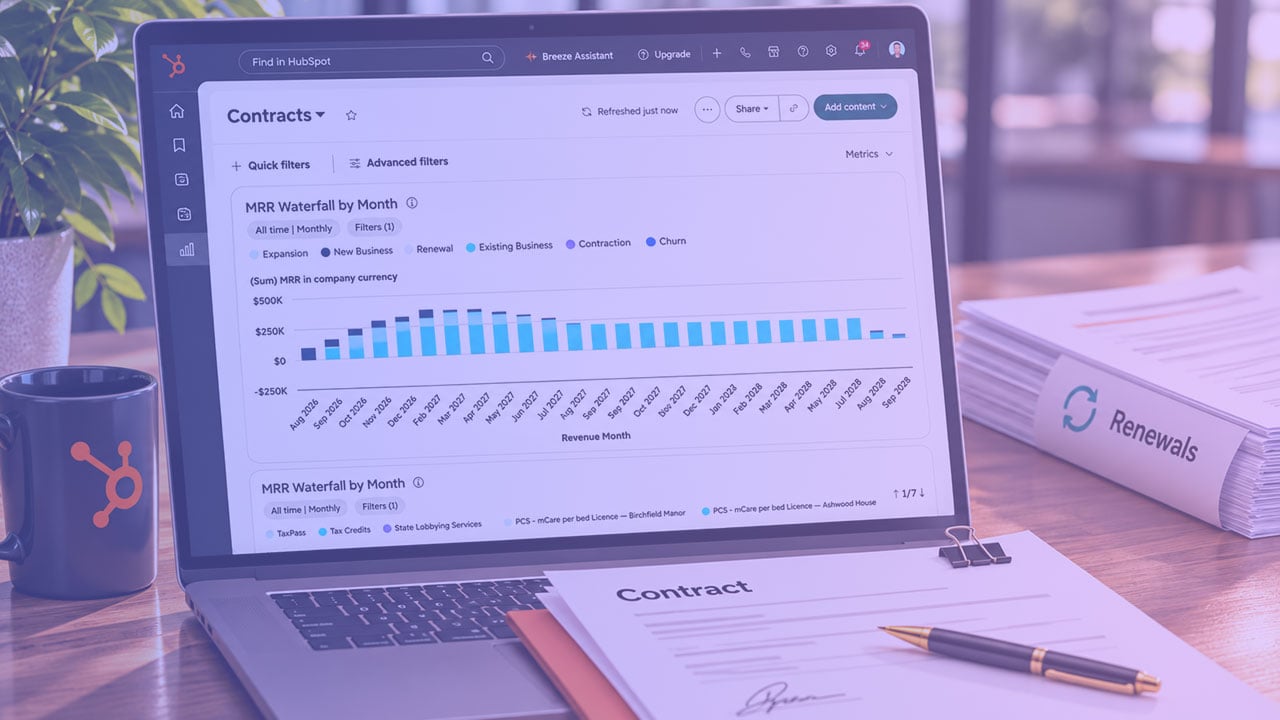


[Video] Tracking Subscription Revenue in HubSpot With Revenue Hub

process_pro_img

In this episode of How Teams Work: Behind the Scenes, Shawn McFadden talks with Process Pro co-founders Adam Sharrow and Andrew Millet, and pre-sales solution architect Jon Martin, about why subscription revenue so often looks different in the CRM than it does in finance. They walk through how SaaS companies track subscriptions as they grow, why booked and billed revenue drift apart, and what HubSpot’s Revenue Hub and its contract object change. They also cover why defining your product library and rules matters more than the tool you choose, what it takes to migrate existing contracts, and who Revenue Hub is (and isn’t) a good fit for today.

Want more conversations like this? Subscribe to our How Teams Work newsletter for real-world insights into how teams organize their work inside the systems they rely on.


Are you looking to move to HubSpot? Schedule time for a complimentary session. 

Lean on the Pros

Let's solve your problems. Book a consultation so we can learn more about where you are in your HubSpot journey and get you started on a success plan.

Heading 1

with a request body that specifies how to map the columns of your import file to the associated CRM properties in HubSpot.... In the request JSON, define the import file details, including mapping the spreadsheet's columns to HubSpot data. Your request JSON should include the following fields:... entry for each column.